

The OxygenOS 16.0.9.402 update for the OnePlus 13R is currently rolling out with a file size of 1.19 GB. It includes the latest July 2026 Android Security Patch.
This update introduces new fingerprint icons and unlock animations, smoother animations for Recent Apps, Backup Face Unlock, and support for remotely locking a connected PC.
While some users report battery drain after the update, this is normal for the first few days as the system optimizes. To help, users can turn off Smart Charging, charge the phone to 100% and leave it for an extra hour, and disable RAM Expansion.
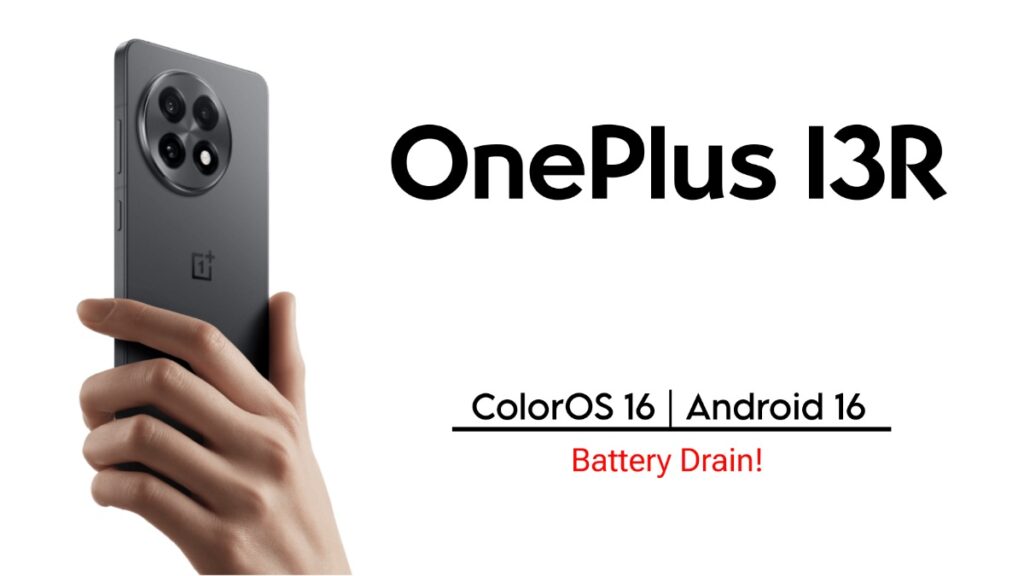
OnePlus 13R users are now getting a new software update. This update to OxygenOS 16.0.9.402 version has added some new features along with the July 2026 security patch. The update is about 1.19 GB in size. The rollout is going on in stages and many users have already received it.
Full Changelog of the OnePlus 13R OxygenOS 16 Update
The most noticeable change in this update is on the home screen and lock screen. Now the options for custom fingerprint icons and animations have increased. You can choose new animations from the Fingerprint animation option under the More option in the Home screen, Lock screen & style section in Settings. In addition, the animations while opening and switching apps in Recent Tasks are much smoother and faster than before. Multitasking now feels more fluid.
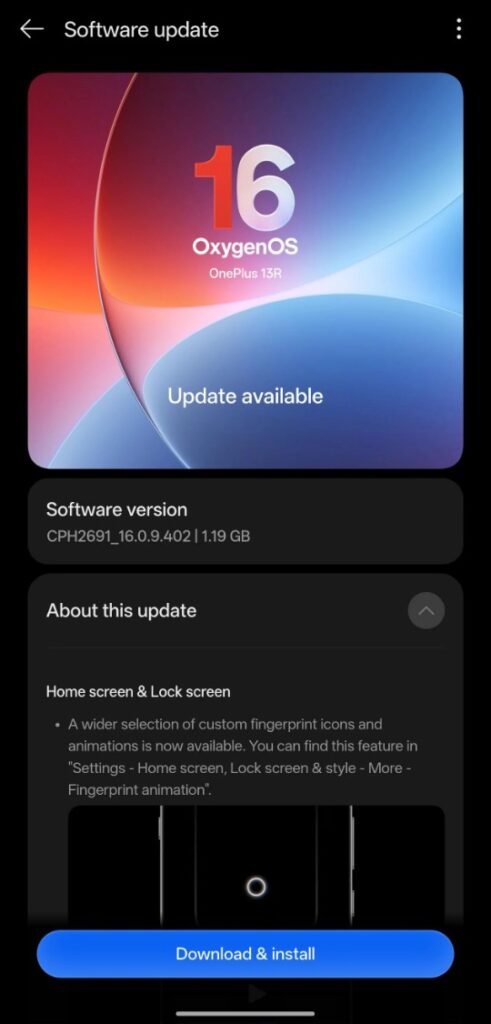
New features have been added to the Device Connect feature. Now you can remotely lock your PC with a single tap using your phone. If you have a PC connected, you can unlock it directly from your phone without a password. Backup Face Unlock has been added to the security section. It will be easy to unlock your phone even with glasses or makeup. You will also get the latest security update of July 2026, which is very important for the data and security of your device.
Battery Drain Reports After Update
Despite all this, many users have raised battery draining issues after installing the update. Some people in the OnePlus Community have reported that the battery is draining faster than before even with normal usage. Some have reported that the battery is draining 5-6 percent in 15-20 minutes. However, this is not the case for everyone. Many have normal batteries.
After a major update, the system may consume a little more battery for the first few days and the phone may feel hot. This usually returns to normal within 2-3 days.
What You Should Do After Installing
If you notice battery drain after updating OnePlus 13R, first turn off Smart Charging and Charging Limit. Charge the phone to 100% and leave it on the charger for an additional hour. This calibrates the battery and optimizes the system. If RAM Expansion is on, turn it off too. Try normal use for a few days. In most cases, this will reduce the problem.
If the battery is still very bad after 4-5 days, then report it in the OnePlus Feedback app or post in the community. Overall, this update is quite good. It can be installed for the new fingerprint animation and security patch. However, be a little careful with the battery and do the necessary optimizations.