

The Oppo Reno 14 5G is currently receiving the new ColorOS 16.1 update, which focuses on delivering a refined user interface and the latest security enhancements.
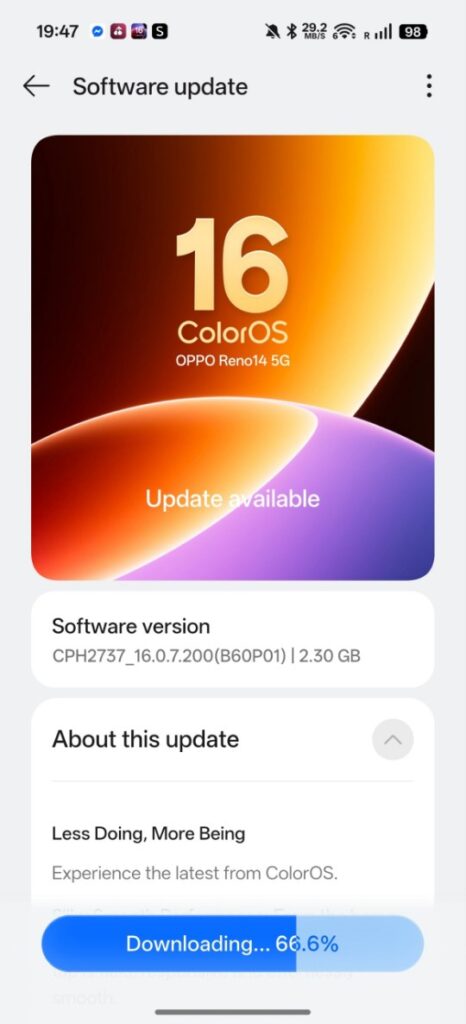
This rollout comes with the firmware version CPH2737_16.0.7.200 (B60P01), carries a substantial file size of approximately 2.3 GB, and integrates the May 2026 Android security patch.
The update brings smoother system animations via the Trinity Engine, a more premium “Liquid Glass” UI, enhanced “Live Space” for dynamic app pop-ups, and improved battery optimization.
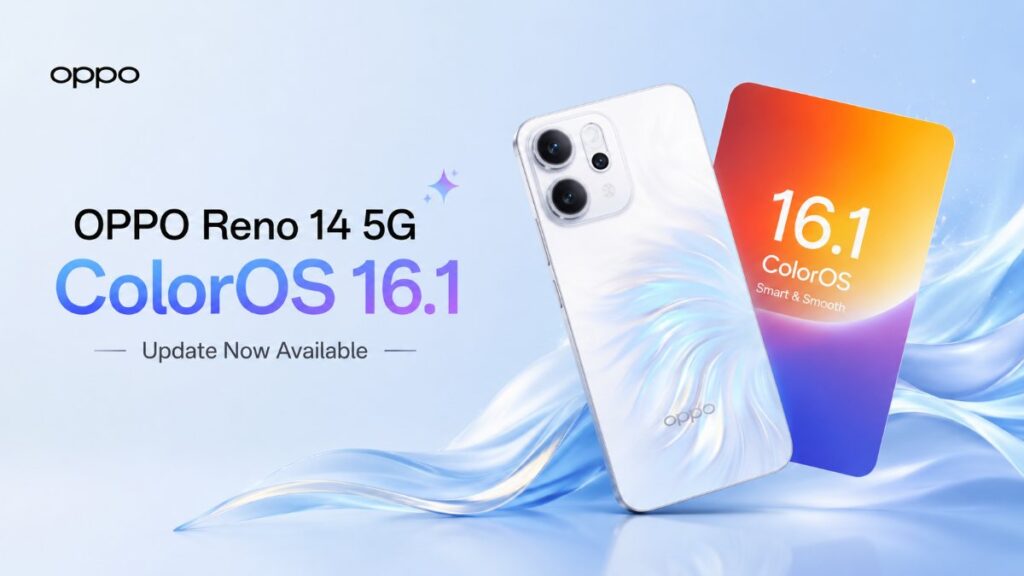
If you use the Oppo Reno 14 5G, you should know that the ColorOS 16.1 update is now rolling out for this device. While this isn’t a major overhaul, it brings improvements to both the user interface and security. Let’s find out what’s new and when all users can expect to receive it.
Oppo Reno 14 5G ColorOS 16.1 Update Details
The version number for this new update is CPH2737_16.0.7.200 (B60P01), and the file size is approximately 2.3 GB. It includes the May security patch, ensuring the device benefits from the latest Android security updates. The update has recently been released to general users; while it is rolling out now, it may take some time for everyone to receive it.
ColorOS 16.1 Update Features
Regarding features, the update brings improvements to both the Luminous Rendering Engine and the Trinity Engine. This results in smoother animations and a more fluid experience when switching apps or scrolling. The “Liquid Glass” UI now offers a more premium look and feel. “Live Space” (also known as Dynamic Island) has also been enhanced, allowing for easier access to supported apps via pop-up windows.
Additionally, installing the update brings new lock screen customization options and fresh animations. Advanced features have been added to enhance the user experience, and some users have reported improved battery optimization after installing the update.
As mentioned, this update has recently been made available to all users, though it may take some time to reach everyone. It is advisable to create a full backup of your device before installing such updates. If you have received this update, please share your experience in the comments to help others.